
The 3-2-1 Backup Rule - Why you shouldn't ignore it
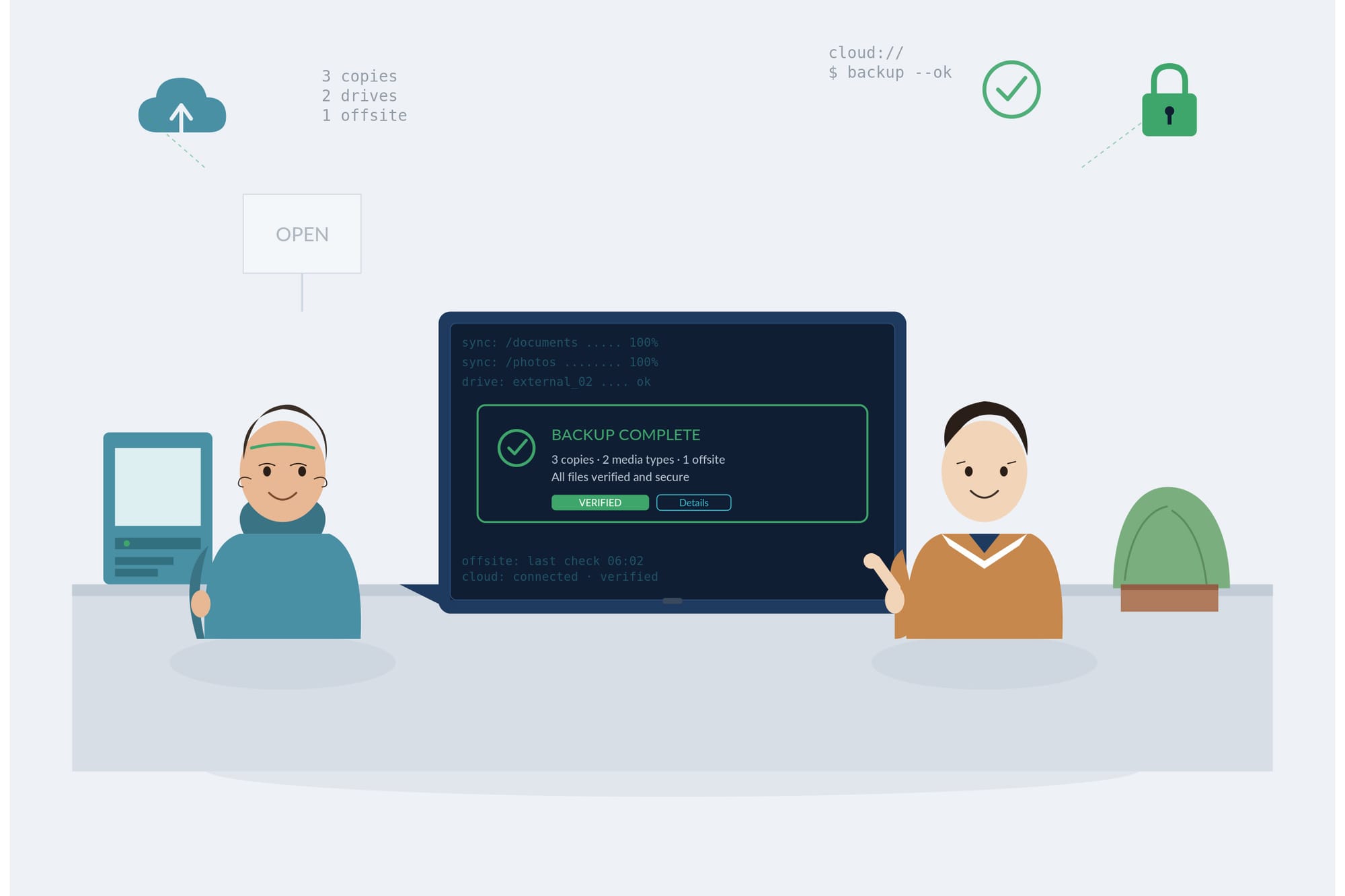
Let's talk about the thing nobody thinks about until it's too late: backups.
You know the feeling. Your laptop makes a weird noise, or you spill coffee near it, or an update goes sideways. Suddenly you're wondering if that one file, you know the one I'm talking about, the one you never backed up is gone for good.
That moment of panic is exactly what the 3-2-1 rule exists to prevent.
Here's the rule, plain and simple:
3 copies of your data:
Not one, not two.. but three! That's your original plus two backups. Redundancy isn't overkill here; it's the whole point. If one copy fails, you've still got two more standing between you and disaster.
2 different types of storage media:
Don't put all three copies on the same kind of drive. Maybe your original lives on your laptop's SSD, one backup sits on an external hard drive, and another lives in the cloud. The idea is that if one storage type has a bad day: a hard drive fails, a USB stick gets lost etc, the others aren't affected the same way.
1 copy stored off-site:
This is the one people skip, and it's the one that matters most. If all your backups are sitting in the same house or office, a fire, flood, or theft takes out everything at once. An off-site copy, whether it's cloud storage, a drive at a friend's place, whatever works means that you're covered even in a worst-case scenario.
Why does this matter so much? Because backups fail in boring, unglamorous ways. You're never ready for it and it often happens when you REALLY don't need it to.
Drives corrupt. Cloud sync glitches. Files get overwritten by accident, then not only your day is stuffed - probably your week or your whole month!
The 3-2-1 rule isn't about paranoia: it's about making sure that no single point of failure can take everything down with it.
The good news is this doesn't have to be complicated. A simple setup might look like: your files on your computer, an automatic backup to an external drive, and a cloud service quietly syncing everything in the background. Set it up once, let it run, and forget about it until you actually need it.
Because the truth is, everyone plans to back up their data eventually. The people who actually do it are the ones who never have to feel that pit-in-your-stomach moment when a file goes missing.
We have many suggestions and Solutions for this at Tranquil IT, whether that's Cyber Essentials Standard Cloud Storage Solutions, separate hardware such as NAS Drives
Do yourself a favour: Give us a message and help you check your setup this week. Future you will be grateful.
You can book to chat with us here: https://booking.tranquilit.net/tranquilstn1/system-audit